Contents (11 sections)
Recording music at home has never been more accessible, thanks to advancements in technology and the proliferation of affordable recording equipment. Whether you're an aspiring musician or a seasoned professional, setting up a home studio can be a rewarding experience, enabling you to unleash your creativity without the limitations of traditional studios. In this article, we will explore practical advice and step-by-step guidance on how to record music at home effectively.
1. Understand Your Space
Before diving into the technical aspects, it's vital to evaluate your recording environment. The acoustics of your space will significantly affect the quality of your recordings. Follow these guidelines to optimise your area:
- Choose a Quiet Room: Pick a space away from external noise like traffic or household sounds.
- Control Reflections: Use carpets, curtains, and soft furnishings to absorb sound reflections. For a more professional touch, consider foam panels or bass traps to manage frequency response.
- Test Your Acoustics: Use your smartphone to record a quick audio sample and listen back to identify any problematic echoes or reverb.
Pro Tip: A simple test is to clap your hands and listen for echoes. If you hear a long reflection, your space may need more sound treatment.
2. Essential Equipment
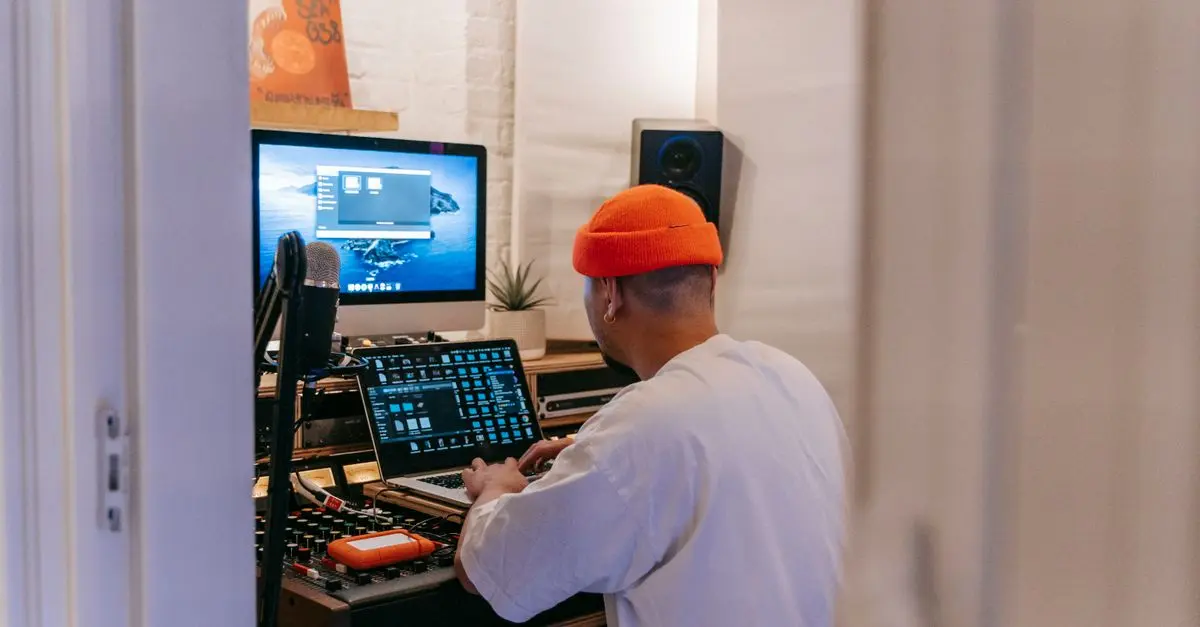
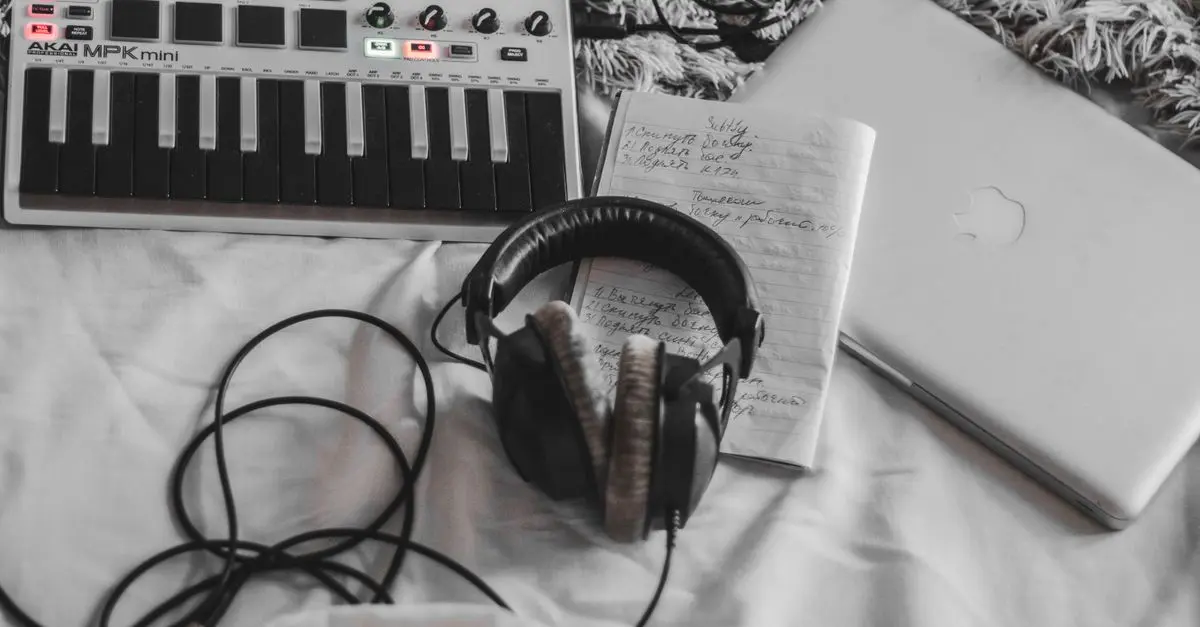
Investing in the right recording equipment is crucial for achieving professional-sounding music at home. Here’s a breakdown of what you’ll need:
- Audio Interface: This device converts your instrument or vocal input into a digital signal for your computer. Look for one with multiple inputs, decent preamps, and easy-to-use software.
- Microphones: Choose a versatile condenser microphone for vocals and acoustic instruments. For amplified instruments, a dynamic microphone may be more suitable.
- Headphones: Invest in a pair of closed-back headphones to minimise sound leakage during recording sessions.
- Digital Audio Workstation (DAW): Software such as Ableton Live, Logic Pro, or Pro Tools allows you to record, edit, and mix music.
Checklist: Ensure you have all basic equipment for a successful start before moving on to recording techniques.
3. Recording Techniques
Once your space is prepared and equipment is set up, it’s time to dive into recording techniques. Here are essential steps:
- Set Up Your Session: Open your DAW, create a new session, and set your audio sample rate (typically 44.1kHz for music).
- Microphone Placement: Experiment with microphone positions. For vocals, a distance of 6-12 inches from the mic often works well. For instruments, try different angles and distances to capture the best sound.
- Use Click Tracks: A click track can help keep your timing consistent while recording multiple instruments.
Common Mistakes: Avoid recording too hot (overloading the audio) by monitoring levels on your DAW. Aim for peaks around -6dB.
4. Mixing Basics
Mixing is an art that can make or break your recording. Start with these basic techniques:
- Balance Levels: Adjust the volume of each track to ensure clarity. Listen to the overall mix and make necessary adjustments.
- EQ and Effects: Use equalisation to reduce frequencies that may clash. Reverb and delay can add depth but use sparingly to avoid muddiness.
- Automation: Use automation to adjust volumes, panning, or effects at certain points in the track.
Pro Insight: Frequent breaks during mixing can help keep your ears fresh and prevent auditory fatigue.
5. Mastering Your Final Track
Mastering is crucial to ensure your track sounds polished across all playback systems. Here’s how to approach it:
- Normalize Levels: Ensure your track's loudness is consistent and matches industry standards (around -14 LUFS for most streaming platforms).
- Final EQ Adjustments: Make subtle EQ adjustments to highlight parts of the mix that may need enhancement.
- Choose the Right Format: Export your audio in high-quality WAV or AIFF for the best results on various platforms.
📺 Resource Video
> 📺 For further insights: How to Set Up a Home Studio for Recording, an in-depth look at creating your personal recording space. Search on YouTube: how to record music at home 2026.
6. Review and Seek Feedback
Don't let your music sit in silence. Share it with trusted friends or fellow musicians. Constructive feedback will help you improve both your recordings and your skills as a musician. Here are steps to get meaningful critiques:
- Ask Specific Questions: Instead of asking if someone likes the song, inquire about specific elements like the vocals, instrumentation, or overall flow.
- Attend Local Listening Sessions: Join local artist groups or online forums to share your music and receive diverse perspectives.
- Iterate: Use feedback to make necessary changes to your tracks. Always be open to evolving your music based on constructive criticism.
Checklist Before Recording
- [ ] Set up a quiet recording space.
- [ ] Acquire essential recording equipment.
- [ ] Familiarise yourself with your DAW and tools.
- [ ] Experiment with microphone placements.
- [ ] Seek feedback on your recordings.
Glossary
| Terme | Définition |
|---|---|
| DAW | Digital Audio Workstation — Logiciel pour l'enregistrement et le mixage audio. |
| EQ | Égaliseur — Outil de mixage servant à ajuster le son en fonction des fréquences. |
| Mastering | Processus final d'optimisation d'un mix pour diffusion. |
- What equipment do I need to record music at home?
You will need an audio interface, microphone, headphones, and a DAW.
- How can I improve my recording quality?
Ensure your recording environment is treated acoustically, and use quality microphones.
- What is mixing and why is it important?
Mixing balances your tracks and enhances their quality before finalising your music.
- How do I share my recordings for feedback?
Use platforms like SoundCloud or local musician groups to gather opinions.
🧠 Quiz rapide : What is the purpose of an audio interface?
- A) To record vocals and instruments
- B) To connect your computer to musical instruments
- C) To finalise your music for release
Réponse : B — An audio interface connects your instruments to your computer for recording.