Contents (11 sections)
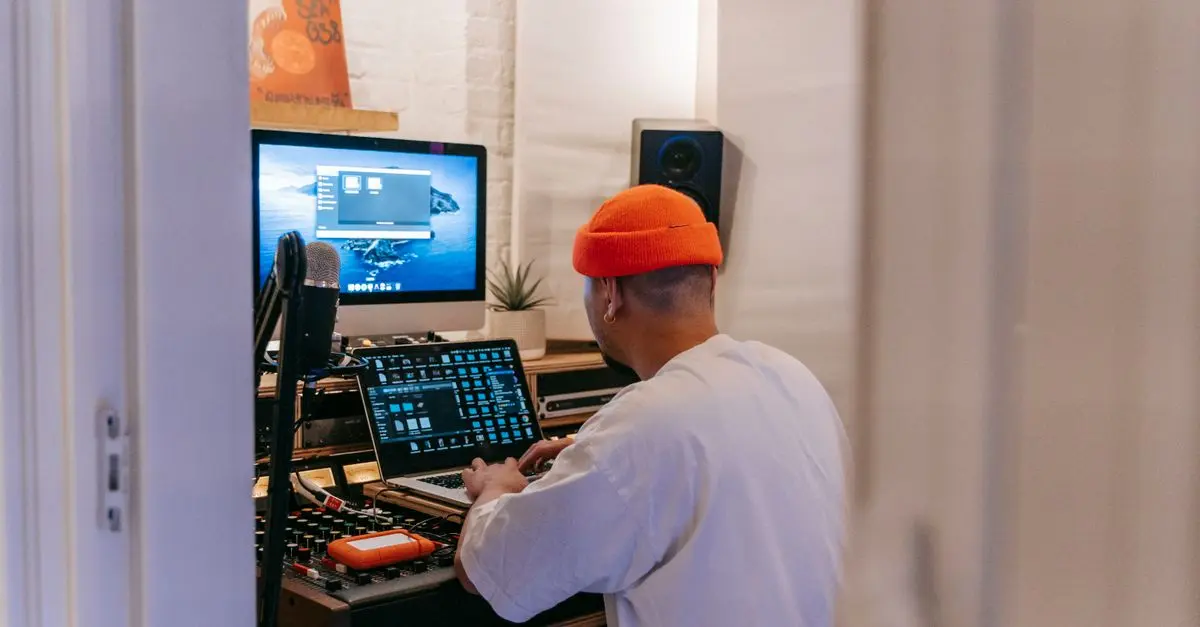
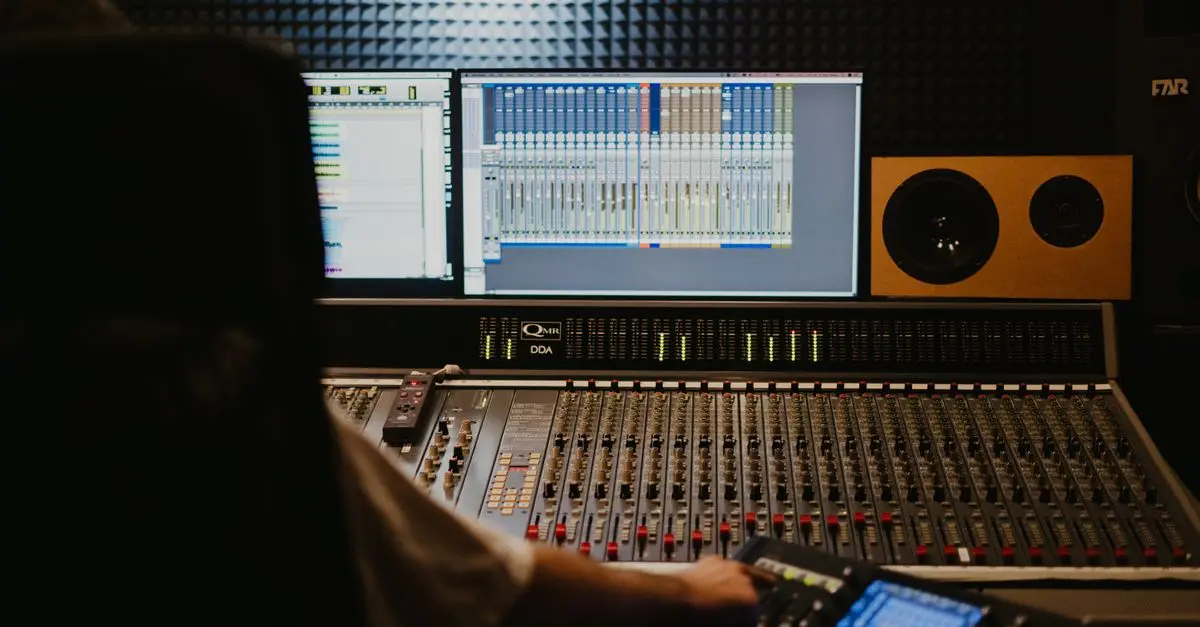
Creating a home music studio can be an exciting endeavour, whether you are a budding musician or an experienced producer. This guide will walk you through the essential steps to establish a recording space that meets your artistic needs.
Information: What is a Home Music Studio?
A home music studio is a dedicated space designed for recording, producing, and mixing music. Unlike professional studios, which can be prohibitively expensive, a home studio allows for flexibility and creativity without huge costs. The key benefits include convenience and the ability to work at your own pace.
In 2026, with advances in technology, more home musicians are investing in studios to take control of their projects. A well-equipped home studio can produce high-quality recordings that rival professional studios, thanks to the availability of affordable high-tech equipment and software.
Step 1: Choose Your Space
Choosing the right space for your home music studio is crucial. Look for a quiet room away from distractions and noise. Ideally, it should have at least one window for natural light, which helps maintain a positive and motivating atmosphere.
Here are some considerations when selecting your space:
- Size: Ensure there's enough space not just for your equipment but also for you to move around comfortably.
- Acoustic Properties: Hard surfaces reflect sound, creating echoes. Look for a room with carpets or curtains, or plan to add acoustic treatment later.
- Ventilation and Comfort: A room that is too warm or poorly ventilated can hinder creativity! Make sure your space is comfortable, especially when spending long hours working.
Step 2: Gather Essential Equipment
To set up your home music studio, you will need some essential equipment. Here's a breakdown of what you'll need:
- Computer: A reliable machine equipped with enough power to handle audio processing. Laptops or desktops both work, but ensure it has a decent amount of RAM (16GB recommended).
- Audio Interface: This device connects your instruments and microphones to your computer. Popular options include brands like Focusrite and Presonus.
- Microphones: Depending on your recording needs, a good condenser microphone is essential for vocals, while dynamic mics are better for instruments.
- Studio Monitors: Invest in a pair of studio monitors for accurate sound reproduction. Yamaha and KRK are trusted brands.
- Headphones: A good pair of closed-back headphones for mixing can make a significant difference in your production.
When purchasing equipment, consider your budget and the type of music you will be producing, as these factors can dictate which gear will work best for you.
Step 3: Acoustic Treatment
A common mistake many first-time studio builders make is neglecting acoustic treatment. Bad room acoustics can hinder your recordings and mixes.
- Identify Reflection Points: Use a mirror to locate spots where sound bounces back to your ears directly from the speakers. Treat these areas with acoustic panels.
- Bass Traps: Place bass traps in the corners of your room to reduce low-frequency build-up, which can muddle your mix.
- Diffusers: These help scatter sound waves evenly throughout the room, ensuring a more balanced sound.
Proper acoustic treatment can dramatically improve your recordings. According to studies, rooms treated for acoustics can reduce echo by up to 90%—a game changer for any home studio.
Step 4: Setup and Connect Your Gear
Once you have all your equipment, it's time to set up. Here are the steps to follow:
- Position your monitors: They should form an equilateral triangle with your listening position, typically at ear height.
- Connect the audio interface: Follow the instructions for your specific interface, ensuring all cables are secure and tidy.
- Install your Digital Audio Workstation (DAW): This is software like Ableton Live or Logic Pro where you’ll do most of your mixing and production.
Don’t forget to keep your workspace organised. Use cable ties or sleeves to prevent tangling, which can make your setup look neater and more professional.
Step 5: Software and Plugins
Installing the right software is equally crucial to the success of your home studio. A good DAW is the backbone of any recording project, but you will also want to integrate various plugins:
- Effects Plugins: Such as EQs, compressors, and reverb can enhance your sound significantly.
- Virtual Instruments: Instruments like synthesizers or drum machines can expand your sonic palette.
- Sample Libraries: These are invaluable for adding a variety of sounds and textures to your music.
When selecting software, consider reading reviews and user feedback to find what best fits your creative workflow.
💡 Expert Opinion: The software you choose defines your sound. As technology evolves, continually update your knowledge and tools to stay relevant in the music industry.
📺 Resource Video
> 📺 For more insights: Check out videos on how to set up a home studio, showcasing real-life setups and tips for maximising your space. Search on YouTube: “how to set up a home music studio 2026”.
Checklist Before You Start
- [ ] Find a quiet, suitable space.
- [ ] Purchase essential equipment.
- [ ] Treat the room acoustically.
- [ ] Connect your gear properly.
- [ ] Install software and necessary plugins.
- What is the average cost to set up a home music studio?
Setting up a home studio can range from a few hundred to several thousand pounds, depending on the equipment and software chosen.
- Do I need professional acoustic treatment?
While not mandatory, it greatly improves recording quality. Basic treatments are relatively affordable and easy to implement.
- Can I use my laptop for recording?
Absolutely! Many musicians use laptops for home studios, provided they have suitable specs.
- What DAW should I start with?
Consider beginner-friendly options like GarageBand for Mac users or BandLab for a web-based solution.
Glossary
| Terme | Définition |
|---|---|
| DAW | Logiciel utilisé pour l’enregistrement et le mixage audio. |
| Audio Interface | Dispositif reliant instruments et microphones à un ordinateur. |
| Acoustic Treatment | Amélioration de l’acoustique d’une pièce pour un meilleur son. |