Contents (9 sections)
Creating music videos is essential in today’s digital landscape, where visual content holds the power to engage and captivate audiences. As musicians, it's not just about the sound; visuals play a vital role in how your music is received. This guide will provide you with actionable steps to effectively plan, film, and edit your own music videos, ensuring they resonate with your audience. Below, we explore the key components of creating compelling music videos:
1. Define Your Concept
Before diving into filming, it’s crucial to establish a clear concept for your music video. This involves understanding the message and theme of the song. Ask yourself how you want your audience to feel once they watch your video. For instance, if your song is upbeat, consider vibrant imagery and lively editing styles. Conversely, for slower songs, you might opt for more poignant visuals that evoke emotion. According to industry insights, videos that convey a strong narrative or concept can increase viewer engagement significantly, potentially boosting shareability on social platforms by over 50%.
An effective way to solidify your concept is through mood boards. Collect images, colors, and textures that resonate with your song’s theme. Additionally, consider the location and style of your video: will it be shot in a studio, or will you use an outdoor setting? Make sure that there’s a visual connection between the imagery and the music itself to create a holistic experience.
2. Plan Your Shoot
Planning your shoot is a vital step in ensuring a smooth filming process. Begin by creating a storyboard to visualise how each scene will flow. This doesn’t need to be overly detailed, but it should provide a clear idea of the shots you want. Consider engaging a director or a friend with filmmaking experience if you’re unsure.
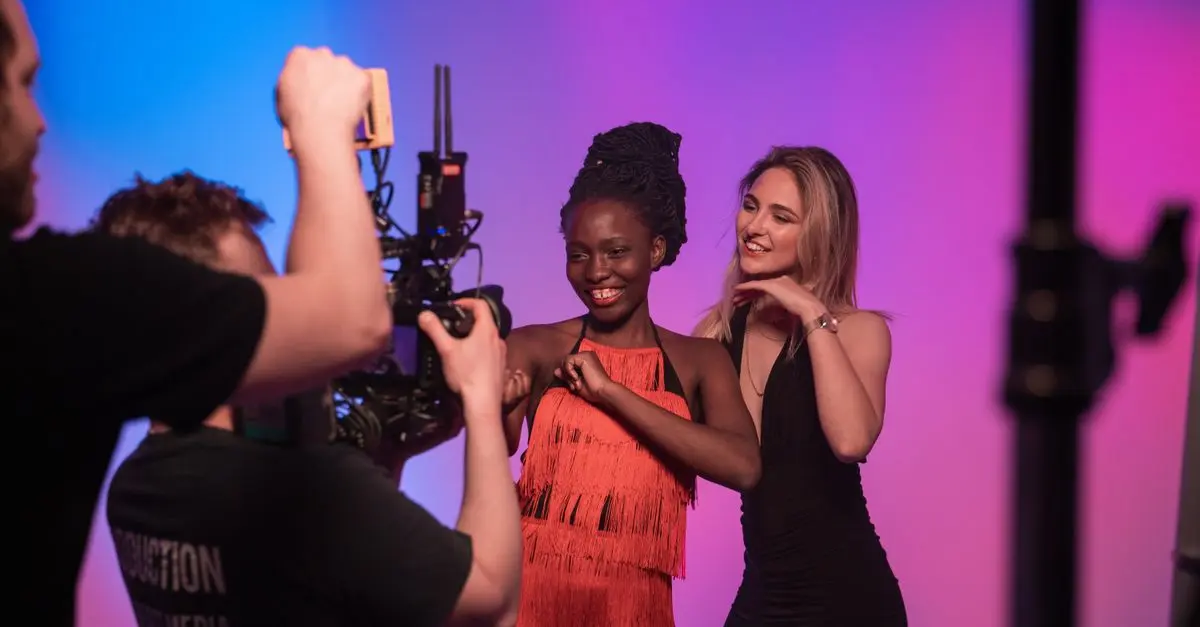
Next, gather your crew and cast. Will you include other musicians, dancers, or actors? Define their roles and responsibilities early on to mitigate confusion during the shoot. It’s also essential to scout your locations beforehand; take test shots if possible to check how they look on camera. Lastly, prepare a shoot schedule that outlines what scenes will be filmed each day and allocate enough time for setup, filming, and any unexpected delays.
3. Filming Techniques
When it comes to filming, employing effective techniques can elevate your music video significantly. Start by ensuring that your camera is set to the correct frame rate for your desired style - typically, a standard of 24fps is used for a cinematic feel, while 30fps might suit more dynamic scenes. Consider using different shots, such as wide angles for landscape scenes and close-ups for emotional expressions, to keep the audience engaged.
Lighting is another crucial component. Natural light can create stunning visuals but is often unpredictable. You may want to invest in affordable lighting equipment to maintain consistency, particularly for indoor shoots. According to studies, well-lit scenes can increase viewer retention by up to 70%.
Additionally, practice your framing; the rule of thirds can help make your shots visually appealing. Encouraging dynamic movement in your shots, like panning or using dolly shots, can add depth and interest. Also, don't shy away from improvisation; sometimes the best moments come spontaneously.
4. Editing Your Video
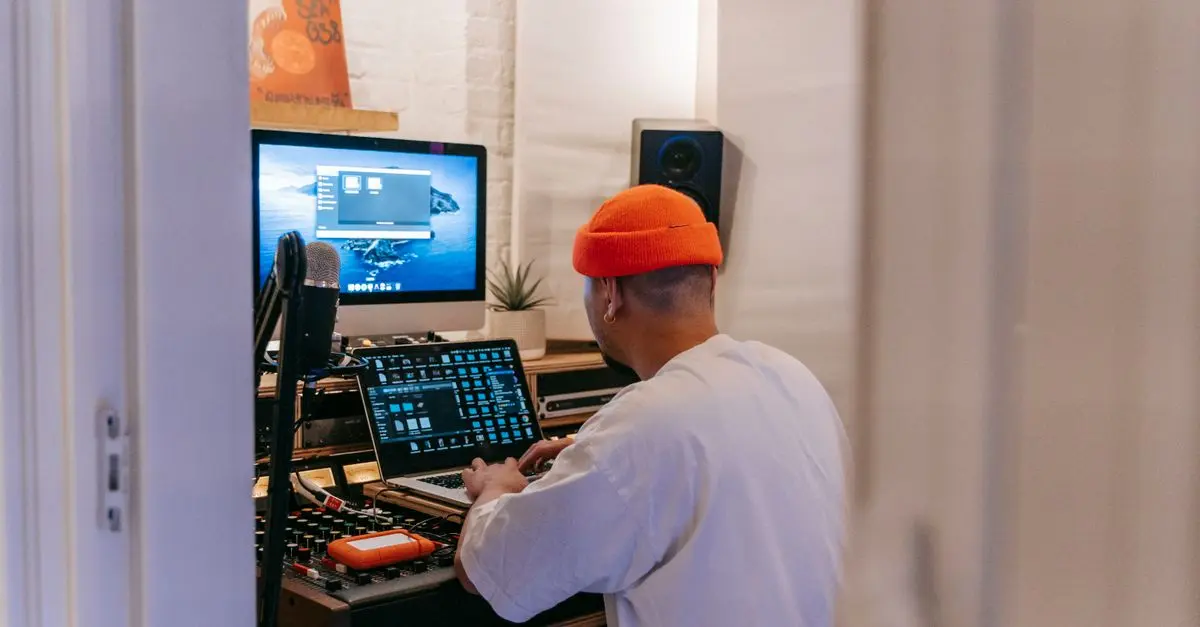
Editing is where your music video really comes to life. Start by selecting the right editing software that suits your experience level - options like Adobe Premiere Pro or Final Cut Pro for professionals and iMovie for beginners are all excellent choices. Import your footage and align it with your music track. During this stage, ensure that each cut emphasises the song's emotional peaks and troughs.
For effective pacing, switch between different shots to maintain interest; however, avoid rapid cuts that can disorient the viewer. Incorporate visual effects where necessary, but keep them subtle to avoid overshadowing the music. Elements such as colour grading can enhance the mood significantly; consider a warm palette for lighter songs or a cool, desaturated look for more solemn themes.
Don’t forget to add text overlays if you want to include lyrics or song information. According to experts, videos with clear information prompts can see engagement rise, making the content more accessible. Once your edits are complete, review your video multiple times to catch any errors.
5. Share and Promote Your Video
After finalising your music video, it's time to share it with the world. Select the right platforms for your release; YouTube remains dominant, but consider social media platforms like Instagram and TikTok for snippets to attract various demographics. Tailor your promotional strategy to your target audience and consider investing in ads to increase initial visibility.
Utilise SEO techniques by adding relevant keywords to your video title, description, and tags. Research trending hashtags popular among your audience, as these can amplify your reach significantly. Engaging with fans through comments and sharing behind-the-scenes content can create a loyal following and increased shares of your video. Remember, consistent engagement can lead to sustained viewership and growth within your music career.
Checklist before Filming:
- [ ] Finalise the concept and storyboard.
- [ ] Confirm cast and crew availability.
- [ ] Check equipment and lighting set-up.
- [ ] Scout and secure filming locations.
- [ ] Schedule shooting days with clear timelines.
Glossary
| Terme | Définition |
|---|---|
| Storyboard | Un outil visuel qui planifie chaque scène du film. |
| Frame Rate | La vitesse à laquelle les images sont capturées, mesurée en images par seconde. |
| Colour Grading | Le processus d'ajustement des couleurs d'une vidéo pour créer l'ambiance désirée. |
> 💡 Avis d'expert : Pour un engagement maximal, pensez à votre public cible. Chaque choix artistique devrait renforcer votre connexion avec eux.
🧠 Quiz rapide : Quel est le critère le plus important lors de la création d'un music video ?
- A) L’équipement utilisé
- B) Le concept et le message
- C) La durée de la vidéo
Réponse : B — Un concept solide est fondamental pour captiver le public.
📺 Pour aller plus loin : [Comment créer un plan de tournage de vidéo musicale], une analyse complète de la planification de vos tournages. Recherchez sur YouTube : "how to create a music video plan 2026"
Nous avons sélectionné plusieurs produits adaptés pour améliorer votre tournage et votre montage. Soyez prêt à créer des vidéos époustouflantes.
📺 Pour aller plus loin : how to create a music video plan 2026 sur YouTube
Recommended products
Selected by our experts

Samsung MUF-128DA USB flash drive 128 GB USB Type-C 3.2 Gen 1 (3.1 Gen 1) Blue
Quzo UK

Samsung MUF-64DA USB flash drive 64 GB USB Type-C 3.2 Gen 1 (3.1 Gen 1) Blue
Quzo UK

Samsung MUF-256DA USB flash drive 256 GB USB Type-C 3.2 Gen 1 (3.1 Gen 1) Blue
Quzo UK

Samsung MUF-512DA USB flash drive 512 GB USB Type-C 3.2 Gen 1 (3.1 Gen 1) Blue
Quzo UK

Samsung MUF-512DA USB flash drive 512 GB USB Type-C 3.2 Gen 1 (3.1 Gen 1) Grey
Quzo UK